Text to Image
Turn a written idea into a polished visual.
 MotionlyGet the app
All-in-one AI creation space
Create AI videos and images with leading models, powerful editing tools, and ready-to-use templates—all in one place.
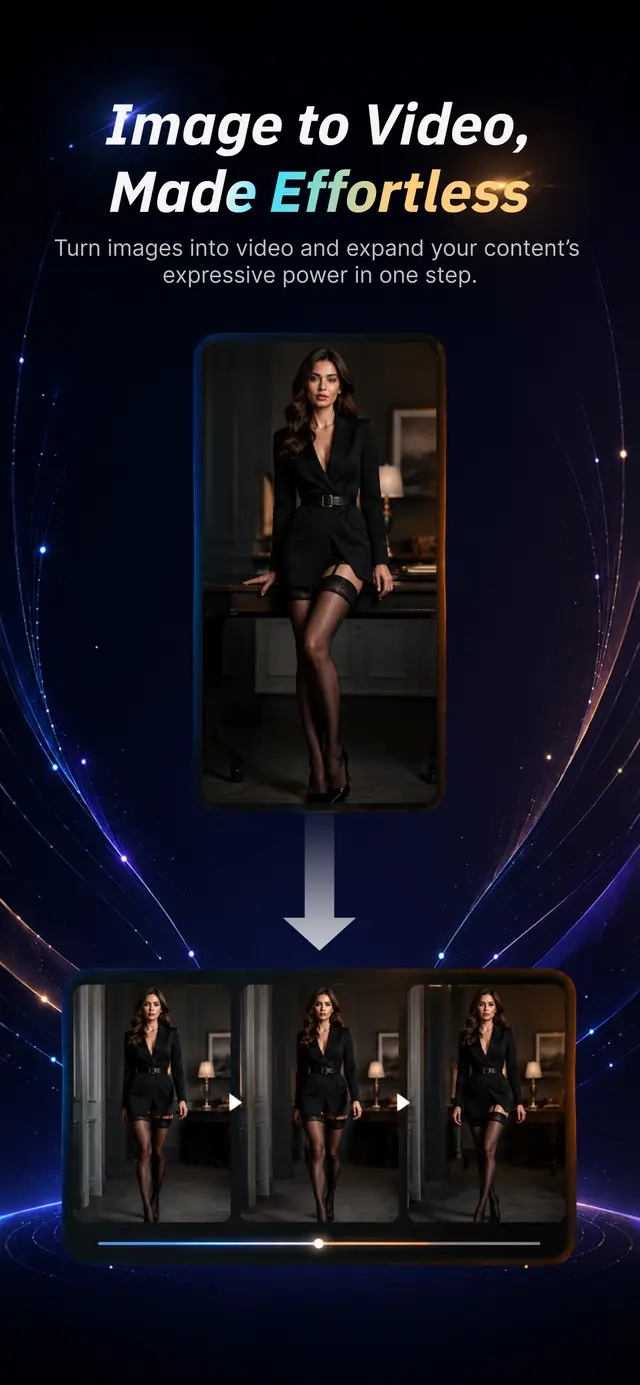
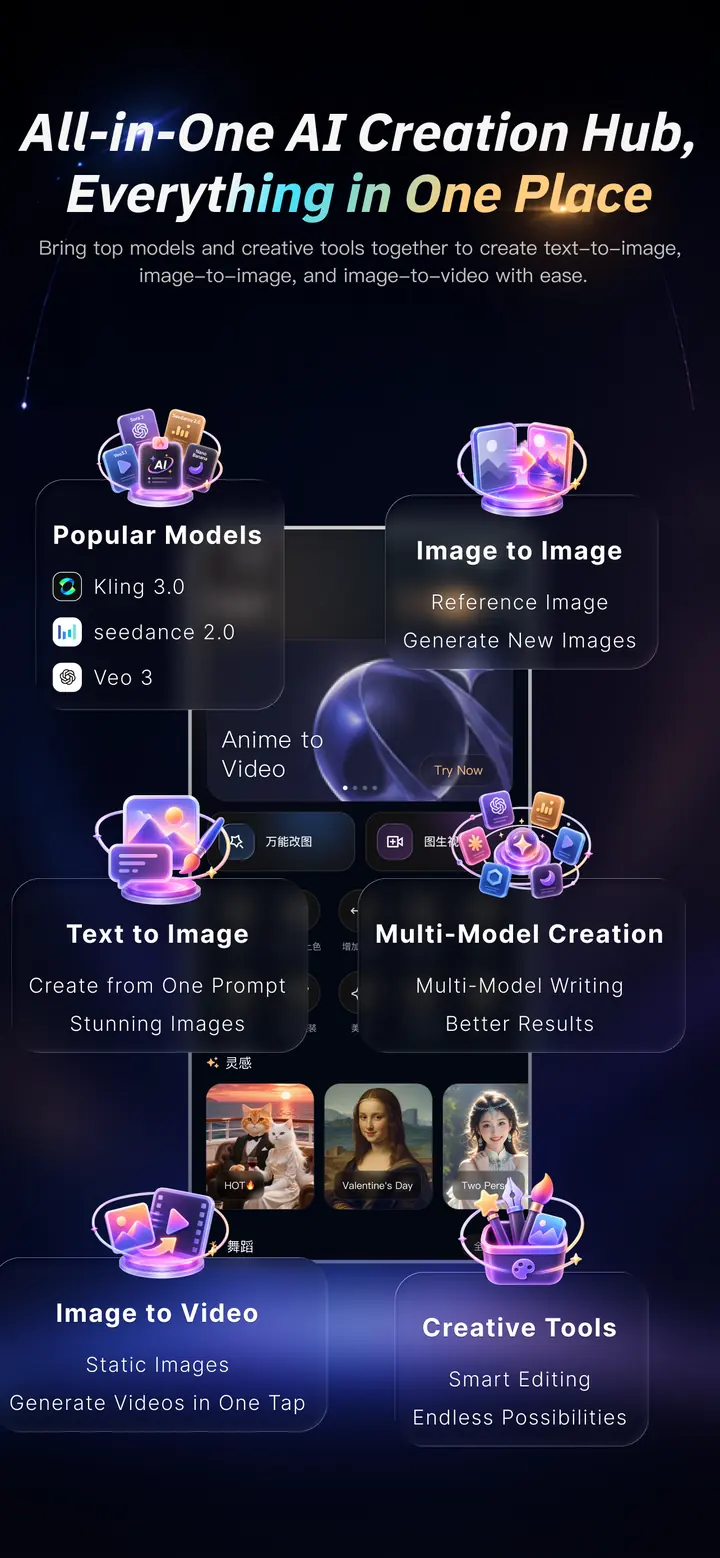
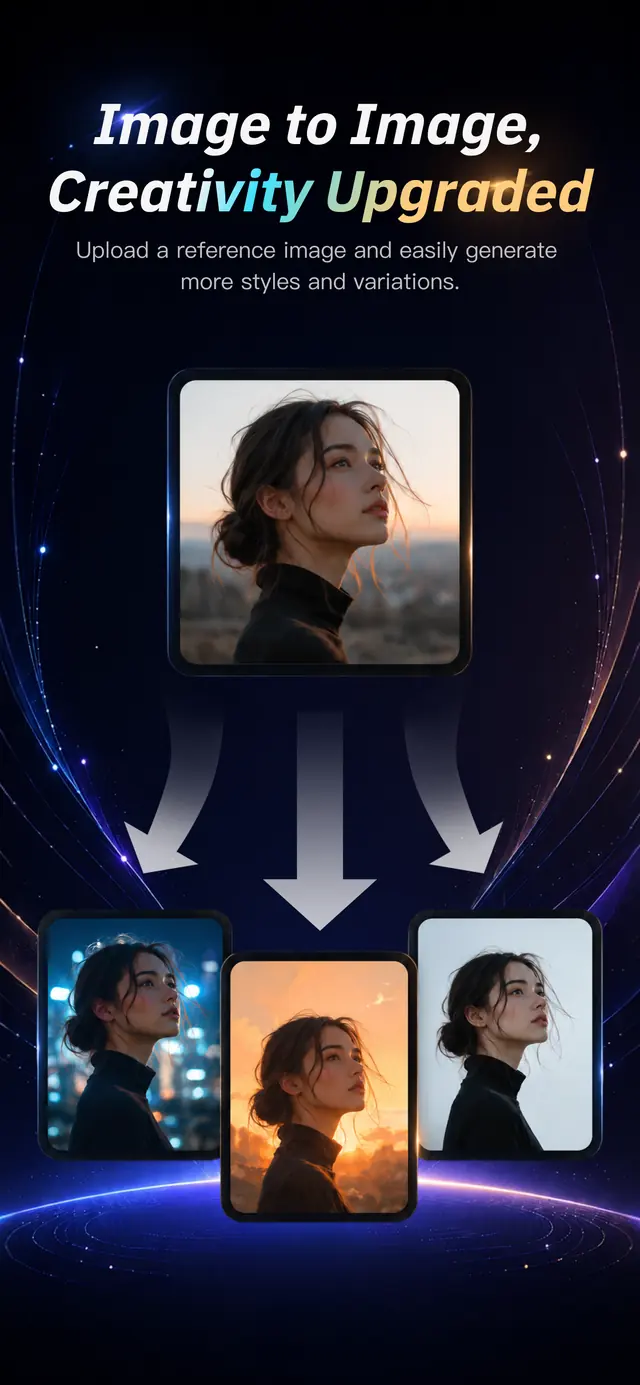
MODELS, TOOLS & TEMPLATES
Explore a growing selection of leading third-party AI models, powerful image and video tools, and a rich library of ready-to-use templates.
 Text to ImageImage EditingImage to Video
Turn a written idea into a polished visual.
Create new styles and variations from a reference.
Erase, expand, enhance, restyle, and refine.
Bring a still image to life with expressive motion.
Explore new looks, colors, and creative directions.
Transfer expressive movement from a reference video.
Restore clarity and bring visual details back.
Turn prompts and images into visual stories with motion.
HOW IT WORKS
Choose from a growing library of creative templates—or begin with your own idea—then create in four clear steps.
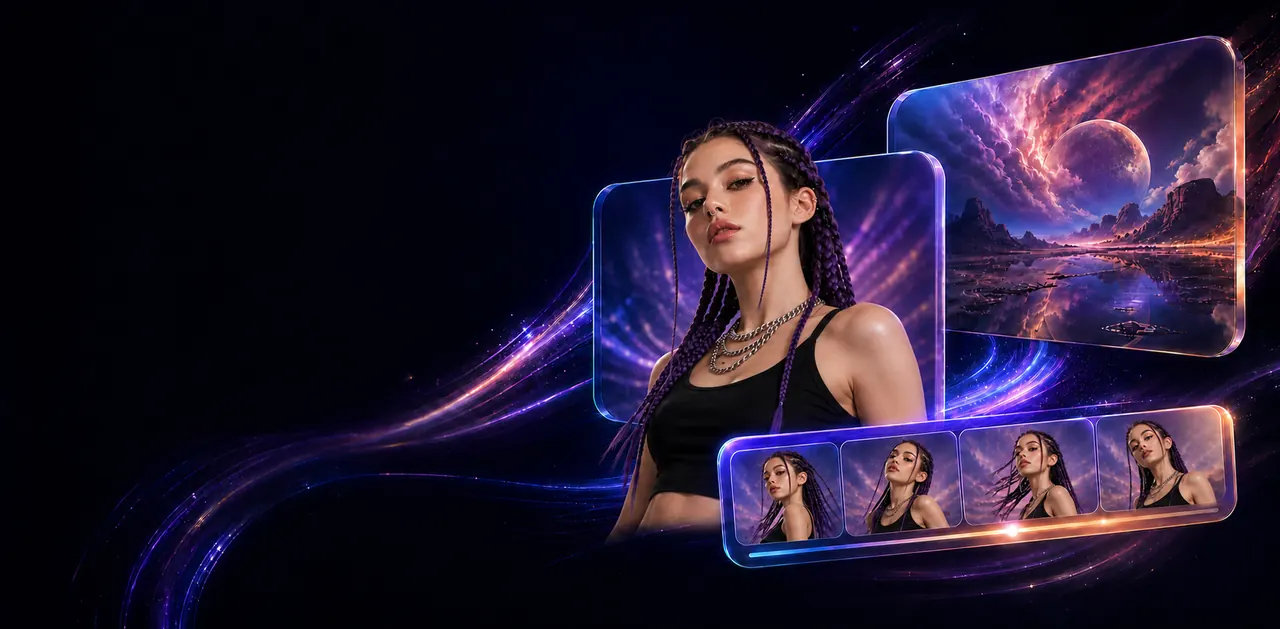
Describe a scene, upload an image, or choose a ready-made template.
Pick the creative model that fits the look, motion, and control you want.
Generate your result, then adjust it with Motionly’s image and video tools.
Export your finished creation and share it wherever your idea belongs.

“There were three strangers right behind us in a group photo. I typed ‘remove the people behind us’ and it was clean in seconds—finally a photo I could post.”Used: Smart Erase

“I needed a professional profile photo without booking a studio. I generated a complete set from one selfie, and nobody could tell it wasn’t a studio shoot.”Used: AI Headshot
“I tried anime, 3D figure, and oil-painting styles for a new profile picture. I picked the last one, and friends kept asking where I had it made.”Used: Style Library

“Other editing apps overwhelm me with toolbars. Here I upload a photo, say ‘make the background a beach,’ and it’s done. There’s nothing to learn.”Used: Image Editing

“I animated an old family birthday photo—the smile and subtle movement felt so natural. I sent it to our family group and the replies didn’t stop.”Used: Image to Video

“I spent an afternoon trying retro film, hand-drawn, and fantasy looks on one selfie. New templates keep showing up, so one photo goes a surprisingly long way.”Used: Templates
YOUR NEXT IDEA STARTS HERE
Motionly is available now on Google Play.

SUPPORT
Contact Motionly support for product questions, billing assistance, privacy requests, or to request deletion of your account and associated data.
Contact us support@dreamrender.netWe may ask you to verify your request to protect your account from unauthorized deletion.